Issue:
While setting up nVoq Voice for Android I tapped "Don't Allow" when I was asked if I wanted to allow nVoq Voice to access my contacts. Now I've changed my mind and I want to allow this.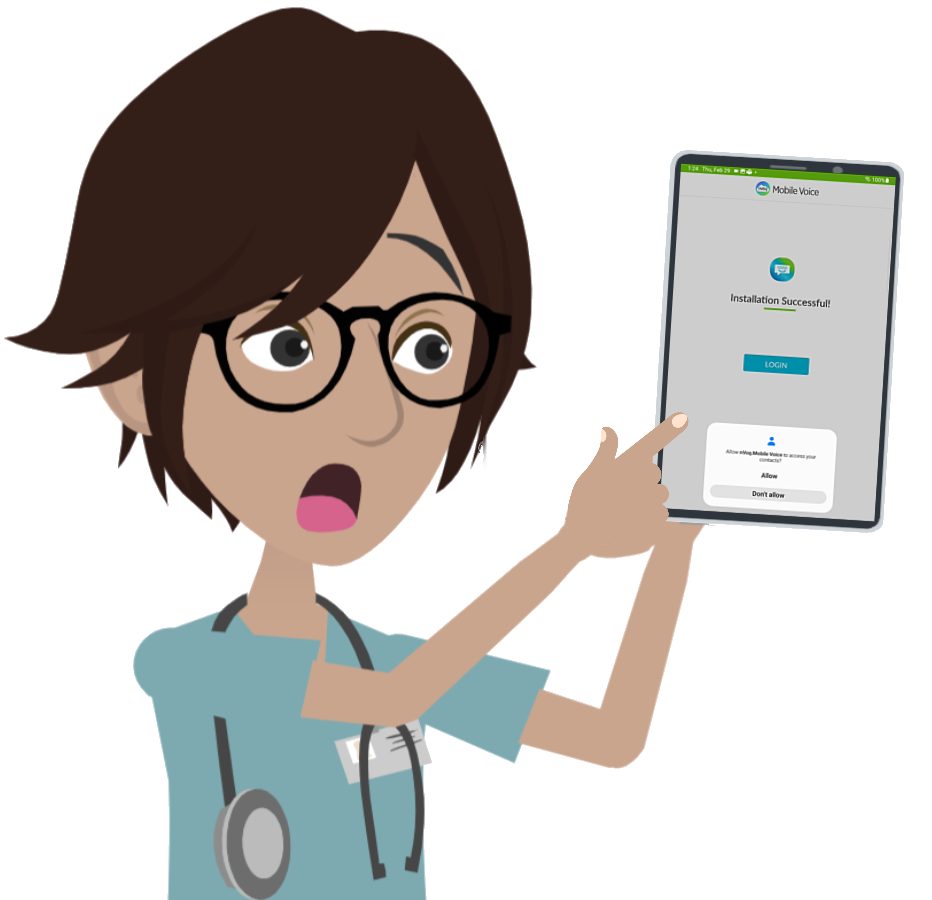
What to do:
You can allow Voice for Android to access your contacts in the Android settings for nVoq Voice:
- Tap the Settings icon on the apps screen.

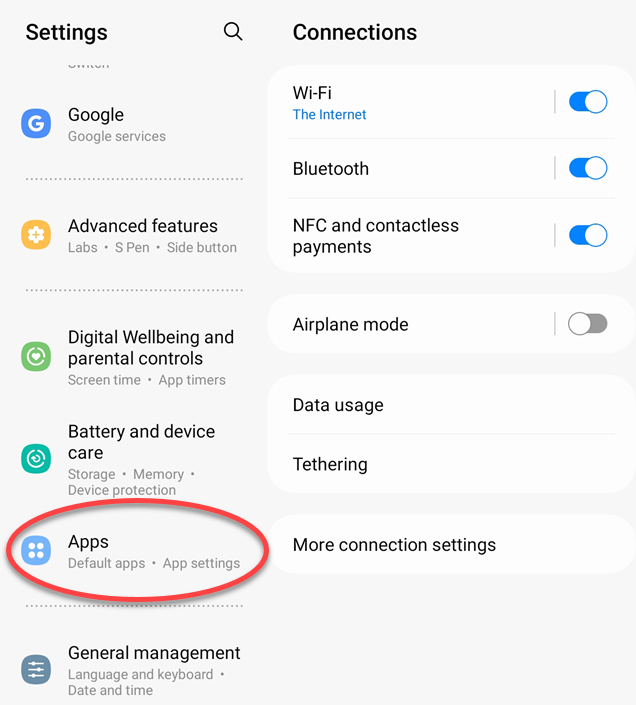
- In Settings, tap Apps on the left side of the screen. You may need to scroll up or down (or use Search to find it).
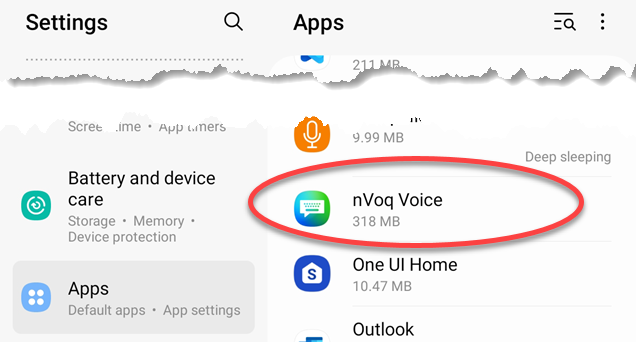
- In the list of apps on the right side of the screen, tap nVoq Voice. You may need to scroll up or down (or use Search to find it).
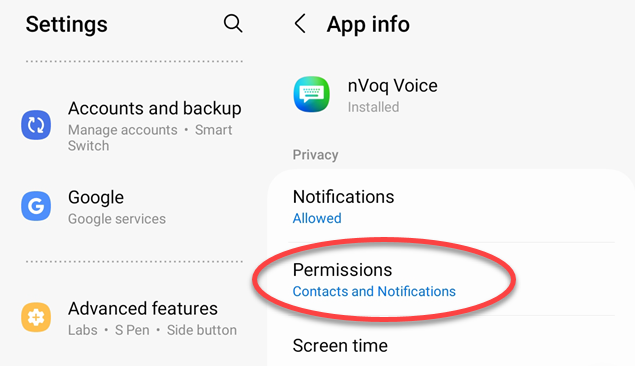
- On the App Info screen for nVoq Voice, tap Permissions.
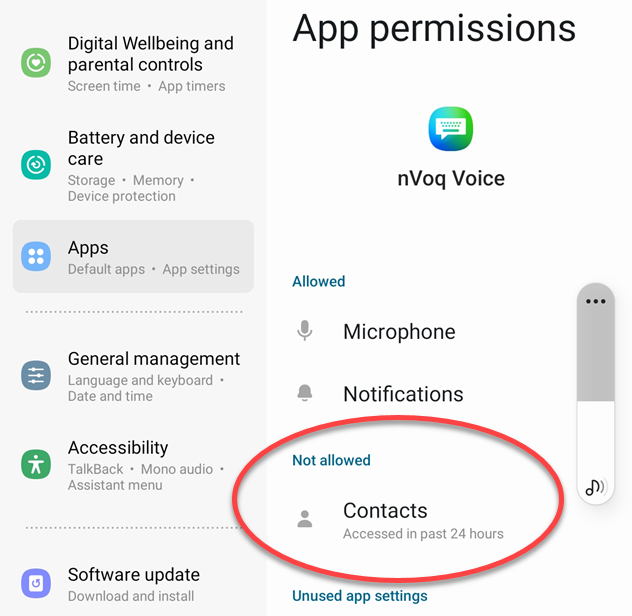
- On the App Permissions screen, tap Contacts.
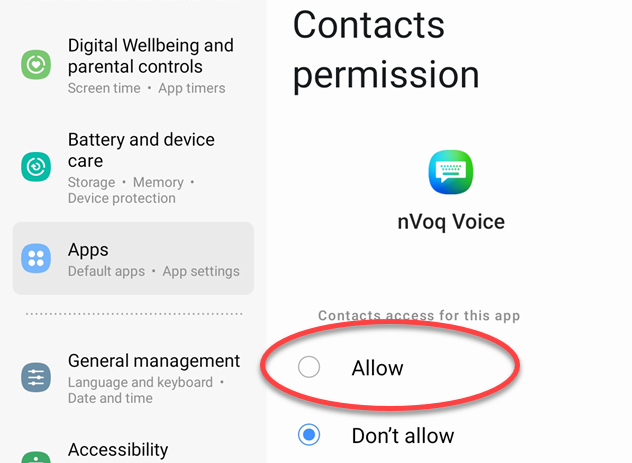
- On the Contacts Permission screen, tap Allow.
- Close Settings.