Issue:
I want to use the Voice for Android keyboard, but my Samsung keyboard is set as my default keyboard.
What to do:
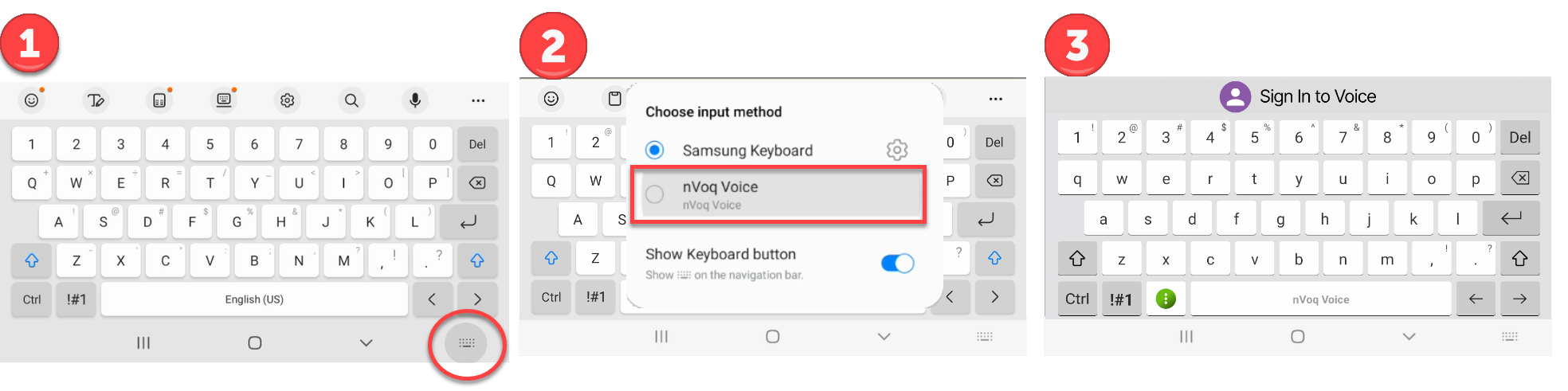
You may be able to tap the keyboard icon in the Android Navigation Bar to switch keyboards:
- Tap the keyboard icon in the navigation bar at the bottom of the screen.
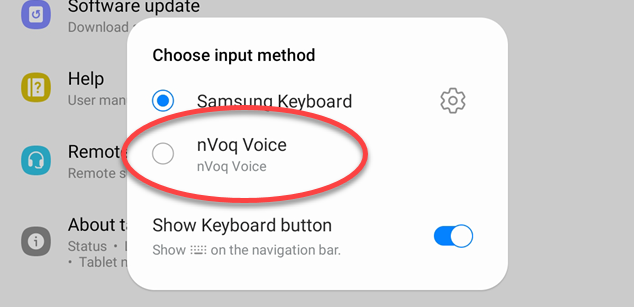
- From the Choose Input Method menu, select nVoq Voice.
- The nVoq keyboard is now your on-screen keyboard.
If you don't have that option, you can do this:
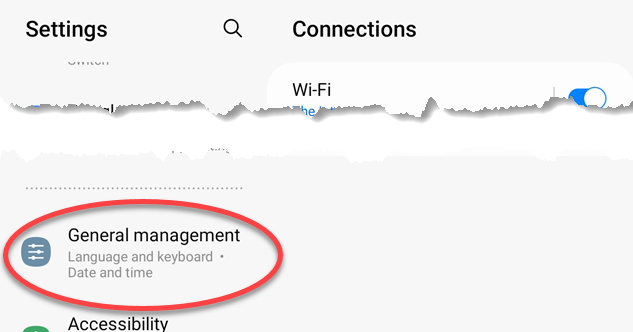
- Go to the Settings on your device.

- Select General Management.
- Tap Keyboard list and default.
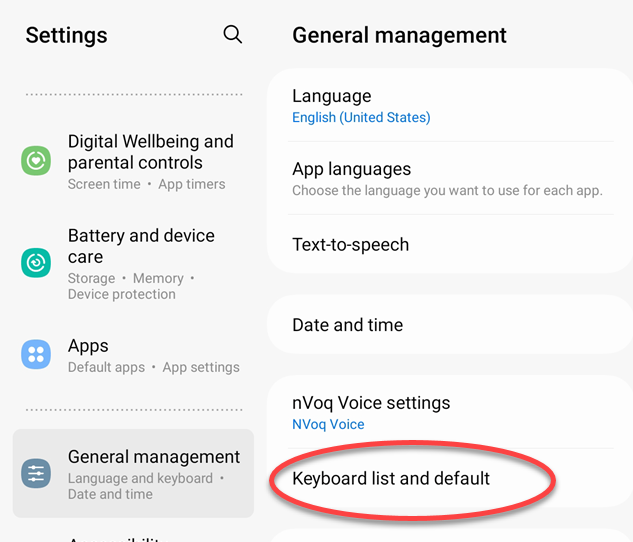
- Tap Default keyboard.
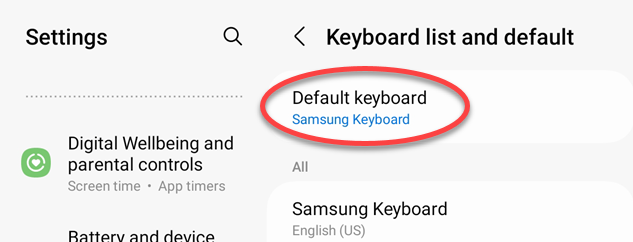
- Select nVoq Voice.