You must be signed in to see this option on the menu. Tap the Sign in graphic at the top of the keyboard to sign in.

This option is only available on the Voice for Android menu if it was enabled for your organization.
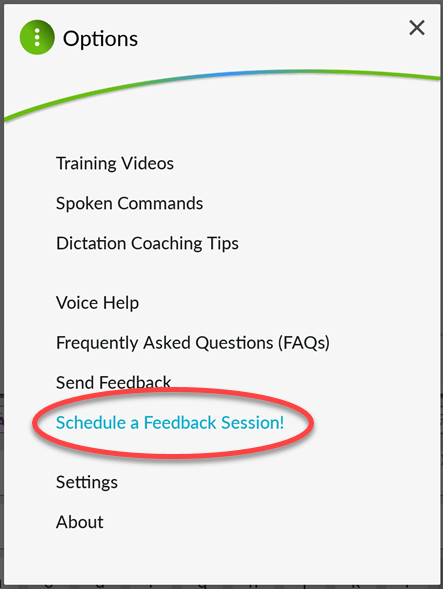 Tap the menu key
 on the keyboard to bring up the nVoq Voice menu, then tap Schedule a Feedback Session! to open a form on which you can request a live 10-15 minute session with a member of the nVoq Product team to discuss ideas about Voice for Android or issues you are having.
- Enter your first and last name. (This field is mandatory)
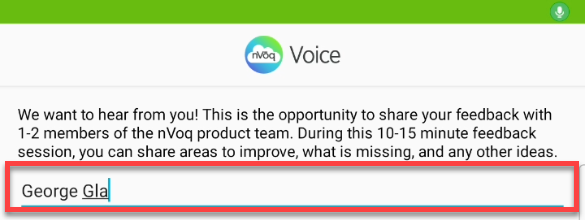
- Your email address is automatically entered from your nVoq account. If you need to enter a different email address you can type freely in this field. (This field is mandatory)
Only ONE email address can be entered here.
- Enter the company where you work and your job title. (This field is mandatory)
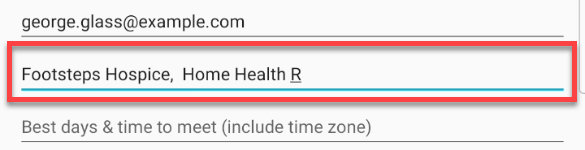
- Enter the days and times that you are most likely to be available to have a discussion about Voice for Android. (This field is mandatory)
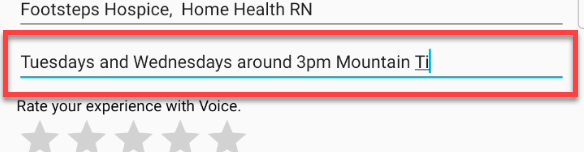
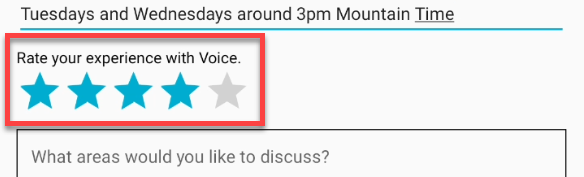
- Optionally rate your experience with Voice for Android by tapping stars: 5 stars is excellent, 1 star is terrible.
- In the text area enter what about Voice for Android you would like to talk about. (This field is mandatory)
What's bothering you? What's great? What would make Voice for Android work better for you? What is making it not work for you?
Keep in short! This field can only capture a maximum of 180 characters.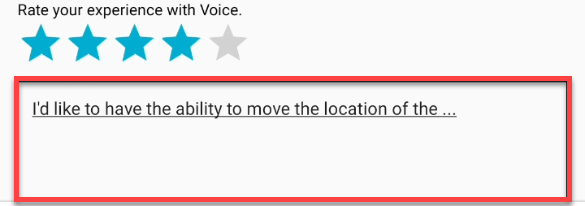
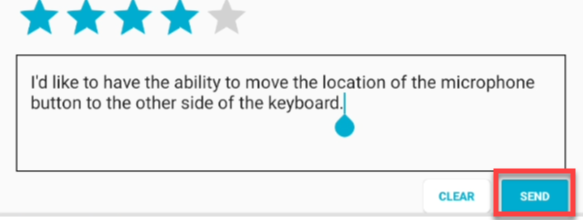
- Tap the Send button to send your request to the Voice for Android Product team.
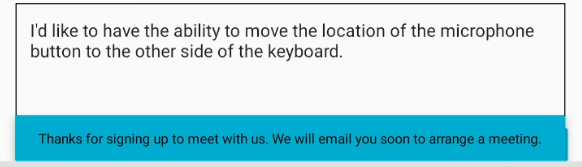
- A response will pop up at the top of the keyboard letting you know that you will be contacted soon to arrange a time to discuss Voice for Android.