Install nVoq Voice for Android from the Google Play Store:
- On your Android device, go to the Play Store app.
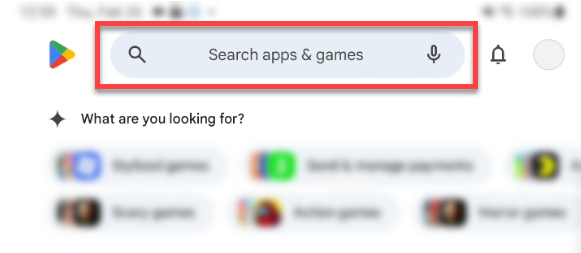
- In the search field at the top of the screen type in nvoq.
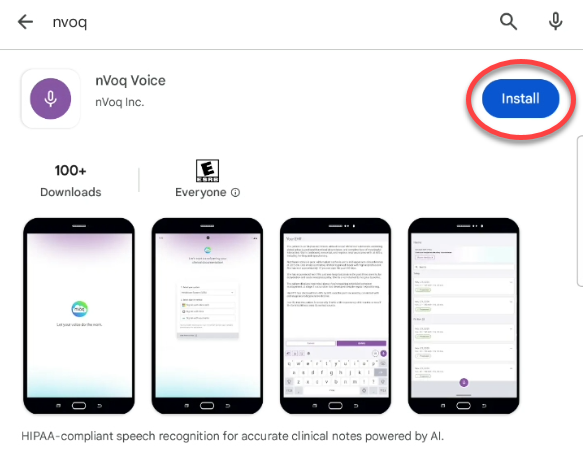
- Tap the Install button to install the app on your device.
- Once installed, tap the Open button. Next you can complete the Initial Setup.

If you would like to have this app update automatically when a new version is added to the Google Play Store, see https://support.nvoq.com/automatic-ios-android-app-updates
Next Step... Initial Setup