Check the About information to see if there is a newer version of Voice for Android available in the Google Play Store.
For instructions on how to update all of your apps automatically...
- Tap the options menu button
 on the keyboard to bring up the nVoq Voice menu, then tap About to view the version of Voice that you are running on your device. If there is a newer version of Voice available in the Google Play Store, the message will say so.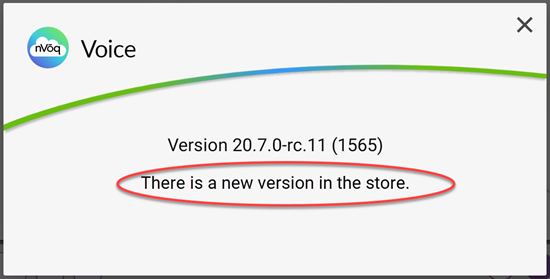
- To install the new version, go to the Play Store app store.
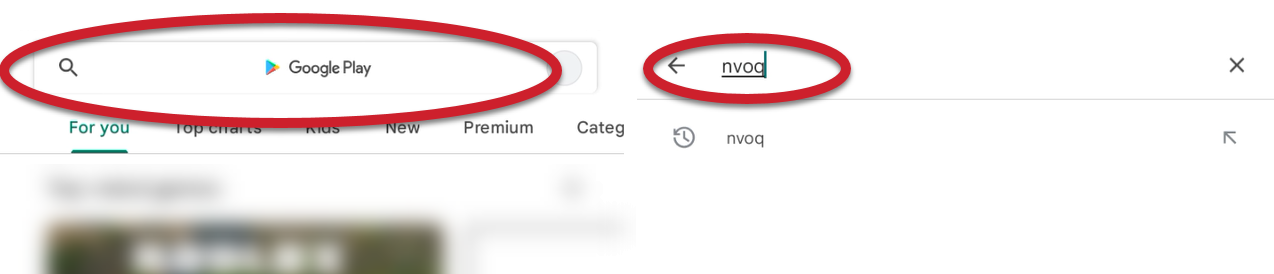
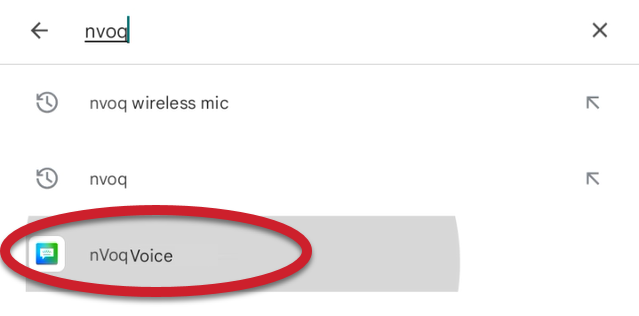
- Tap the search field at the top of the Play Store and type in "nvoq".
- Tap "nVoq Voice" in the list of apps that display.
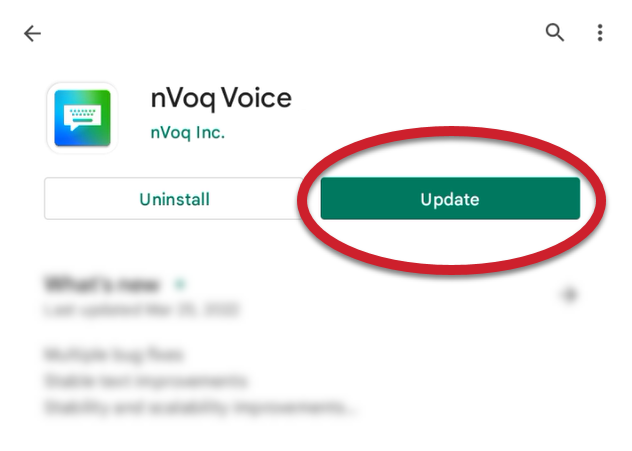
- If there is an update available, there will be an Update button next to nVoq Voice.
Tap the Update button to update the app on your device.