Open the App Store on your device.

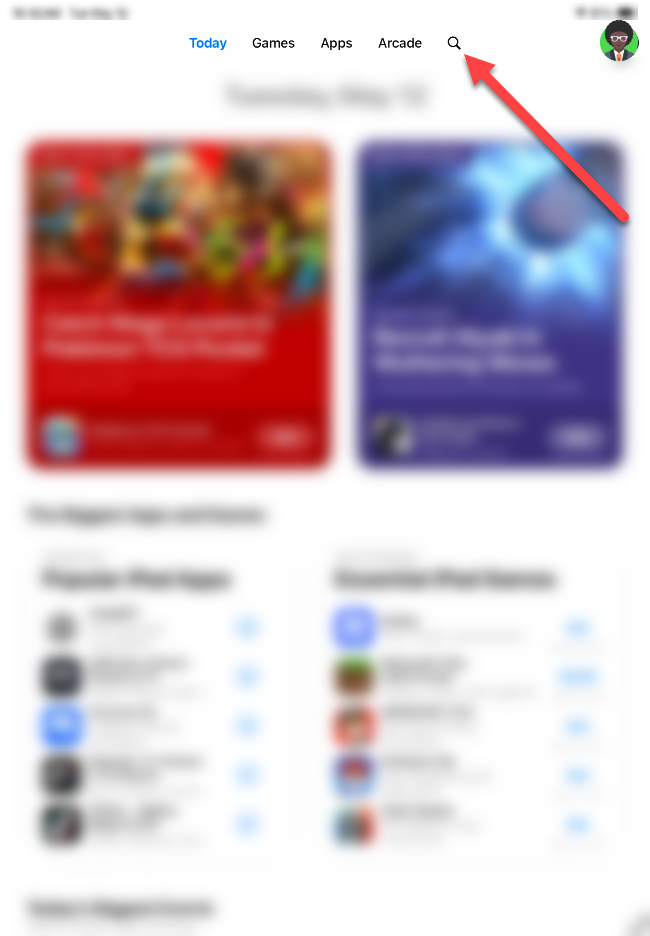
In the App Store, open Search by tapping the magnifying glass icon.
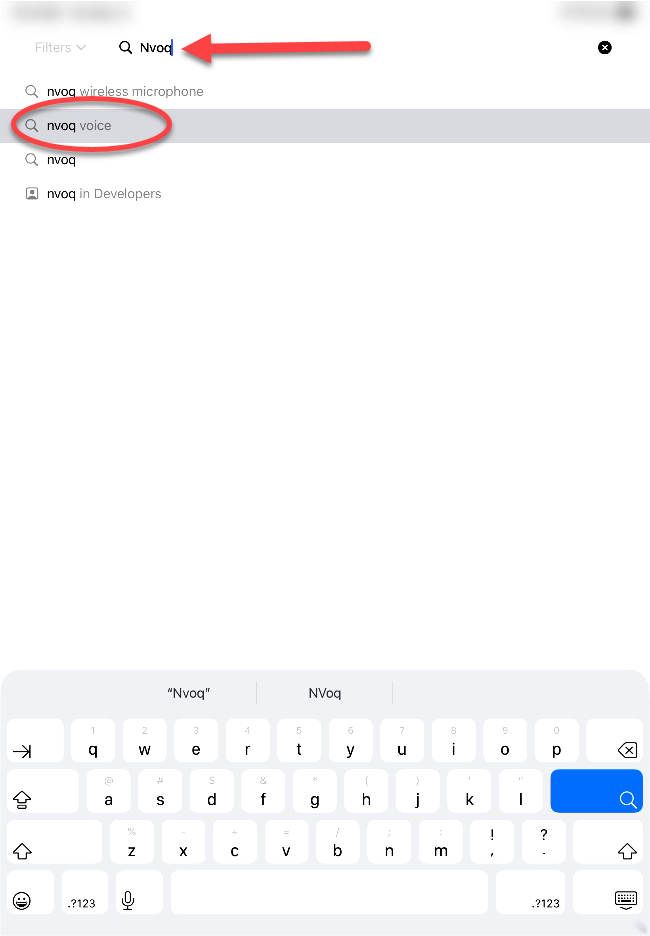
Enter “nvoq” in the search field, and then tap nvoq voice in the list that appears.
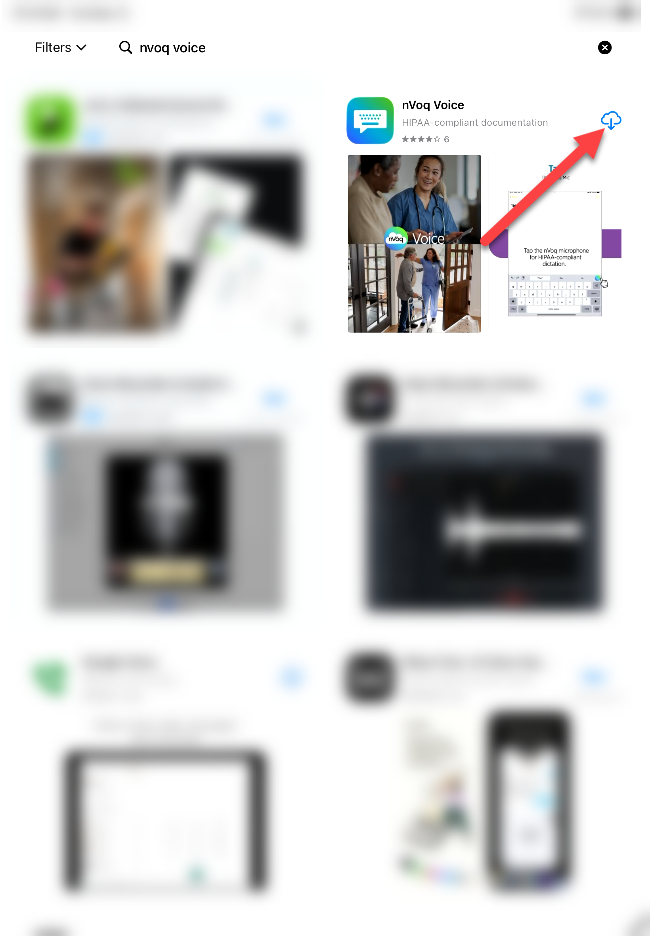
Tap the download icon for nVoq Voice.
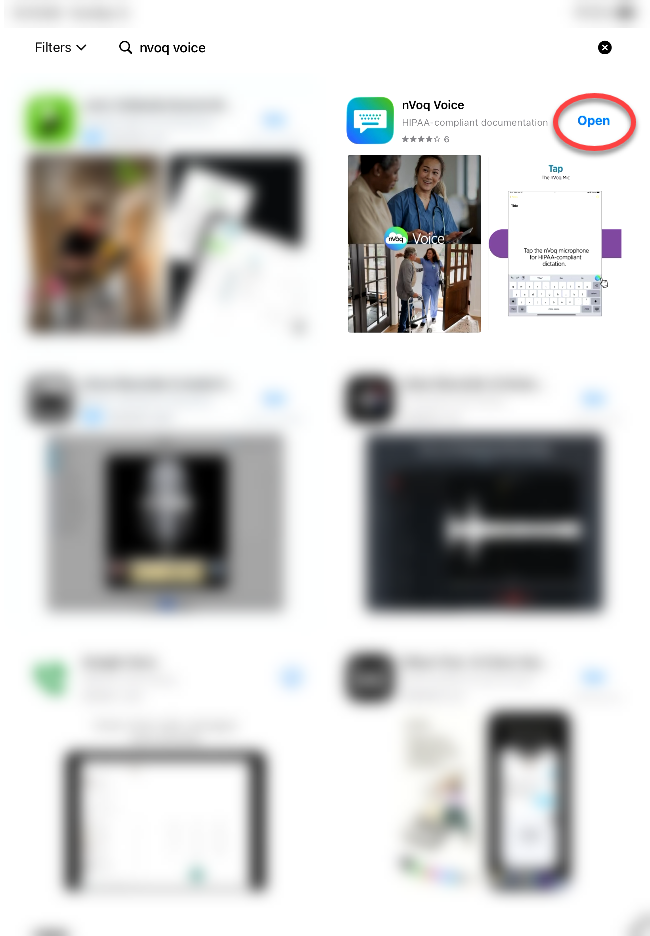
When the download is complete, tap Open.
Follow the setup instructions at Voice for iOS: Initial Setup.
Voice for iOS: Install from App Store
- 1 minute(s) read