Issue:
Immediately when I tap the dictation button I get an error that states, "audioRecord state not successfully initiated".

This will happen if Voice for Android does not have permission to access the microphone on the device.
What to do:
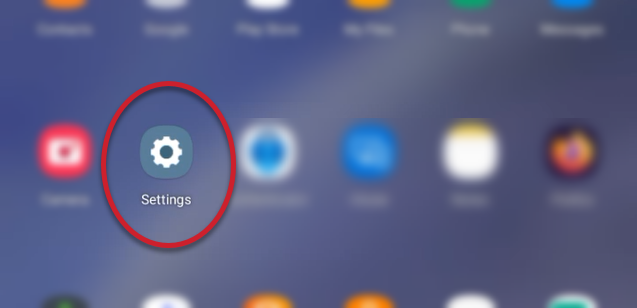
- Go to the Android device Settings.
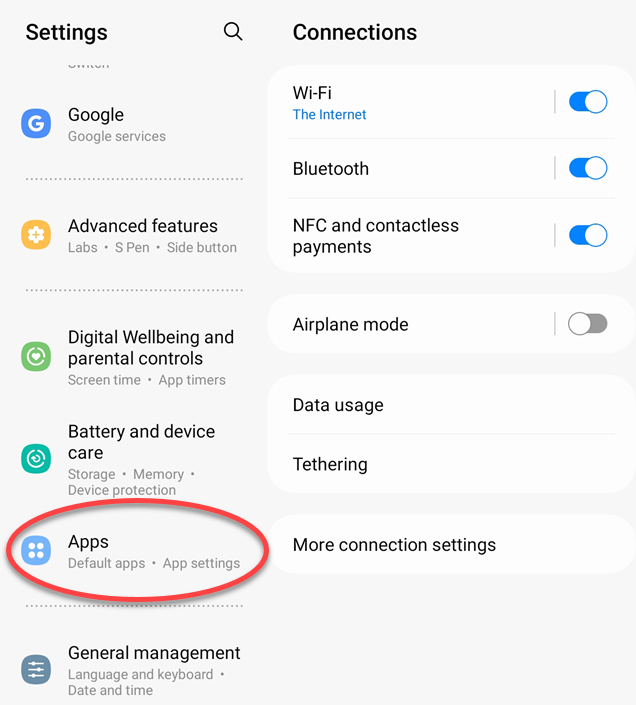
- In the Settings, select Apps.
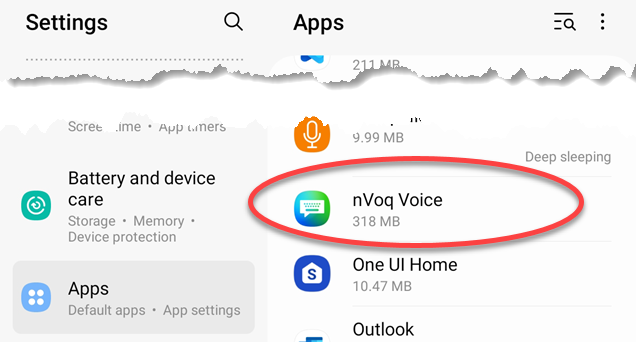
- In the list of apps, select nVoq Voice.
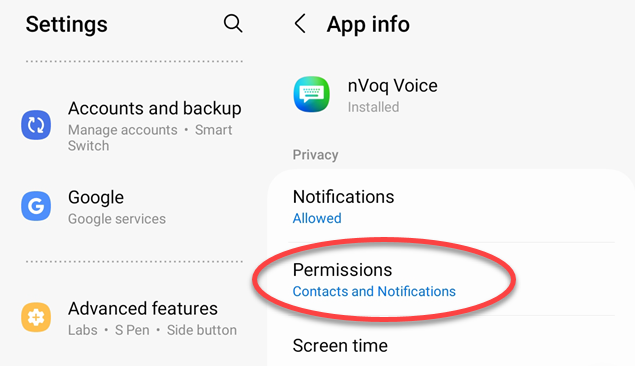
- On the App Info screen, select Permissions.
- On the App Permissions screen, select Microphone (under the Not Allowed section).
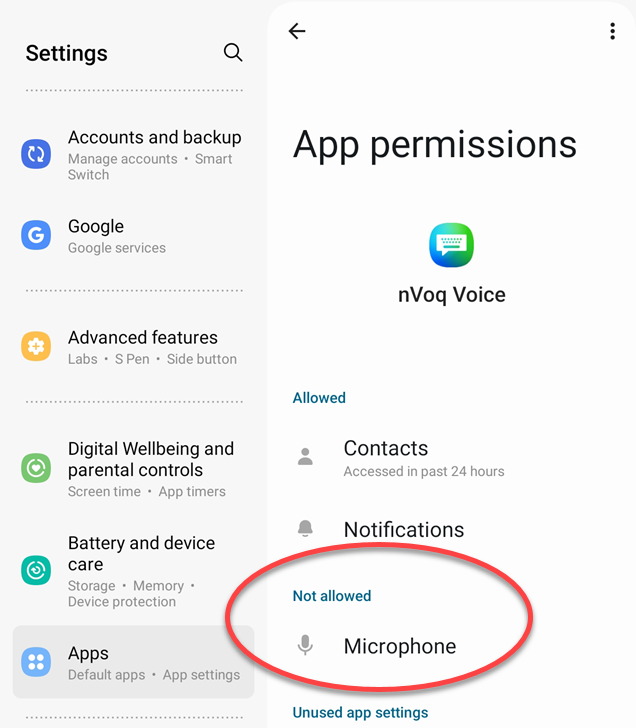
- On the Microphone Permission screen select "Allow only while using the app."
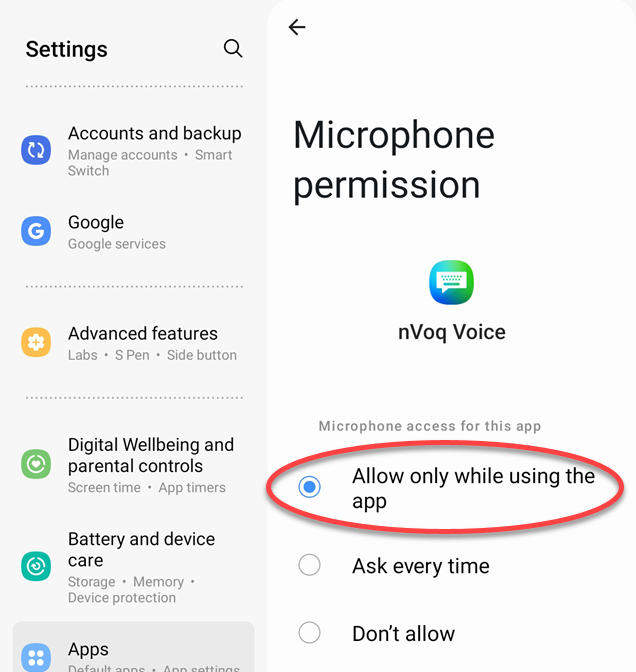
- You can close the device Settings. You should now be able to dictate using nVoq Voice for Android.