Note Compose adds punctuation to your transcripts so you don't need to type it or speak it in dictation.
You must be signed in to use this feature. Tap Sign in to Voice to sign in.

Use Note Compose
- Dictate your notes the way you would say them naturally.
- You don't need to say punctuation.
- If you want formatting like NEW LINE or NEW PARAGRAPH, you do need to say those.
- You can also type text.
- Keep your character count below 6,000 (that's about 1,050 words) to avoid getting an error message when you run formatting.
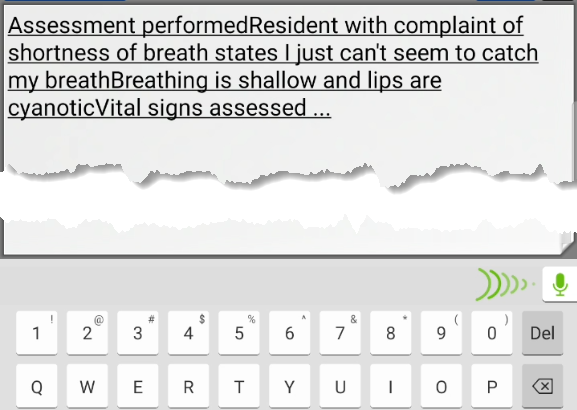
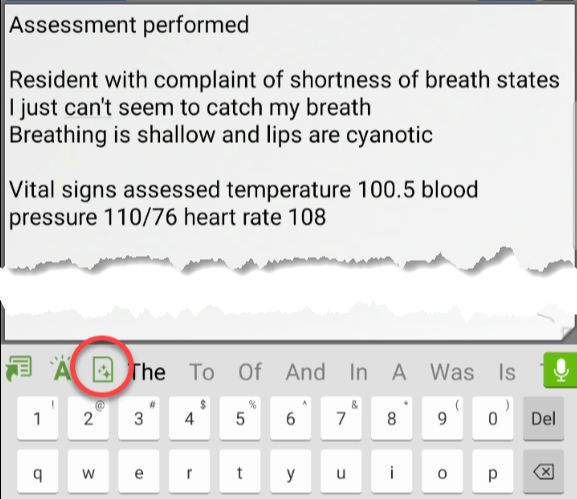
- After you have ended your dictation recording (or typing), tap the Note Compose button on the keyboard.
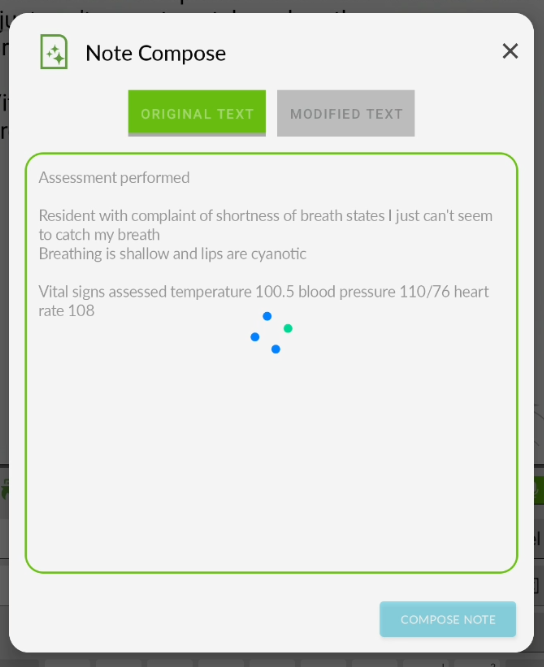
- The Note Compose window opens on the Original Text tab and includes all of the text that was in the text area, which may be more than just your last dictation. Formatting runs automatically to add punctuation in the text in the window.An error message displays if your note contains too many characters.An error message stating, "Dictation is too long for formatting. Please shorten and try again." displays if your note includes 6,000 characters or more. Your note will remain on the Original Text tab so you can shorten it and run formatting again.
- The updated text (with punctuation and corrected typos) opens automatically in the Modified Text tab. Be sure to REVIEW your formatted note. Remember that YOU are responsible for the accuracy of your documentation!
If it is accurate, tap the UPDATE NOTE button to replace the note in your application with the new version.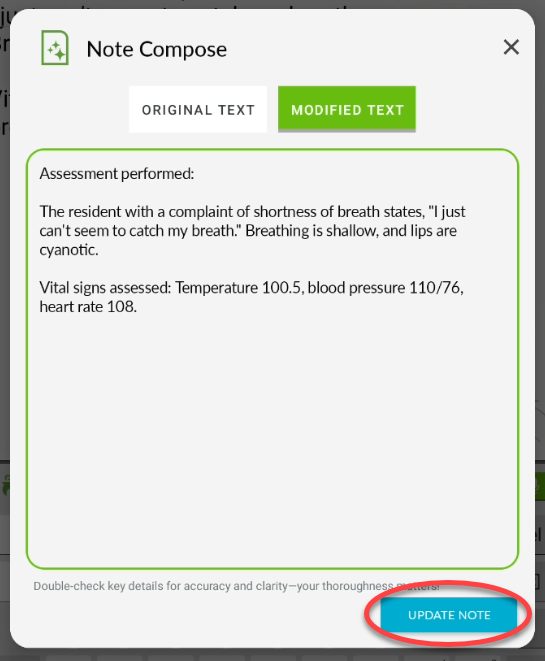
- All of the original text in your application text area is updated.
Known Issues
- Note Compose does not paste into Microsoft Word. After running Note Compose, the keyboard disappears and nothing pastes into the Word document.
- The formatted transcript is not available in nVoq Administrator Review & Correct.