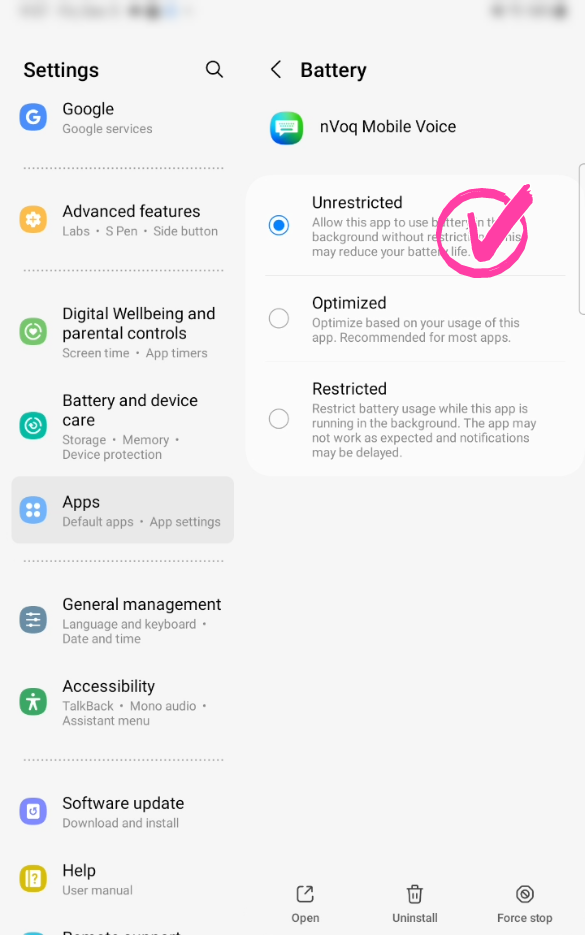
For users with Voice Assistant enabled, the Battery Optimization setting for nVoq Mobile Voice for Android must be set to Unrestricted. This is because Android limits background processes to roughly 10 minutes, but uploading a conversation recording can take much longer than that. Setting battery optimization to Unrestricted ensures the upload can complete without being interrupted.
Here's how to do that:
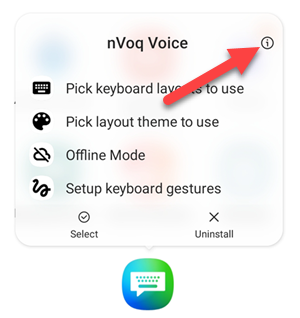
- Long press on the icon for the nVoq app.

- On the menu that appears, tap the App Info icon (i).
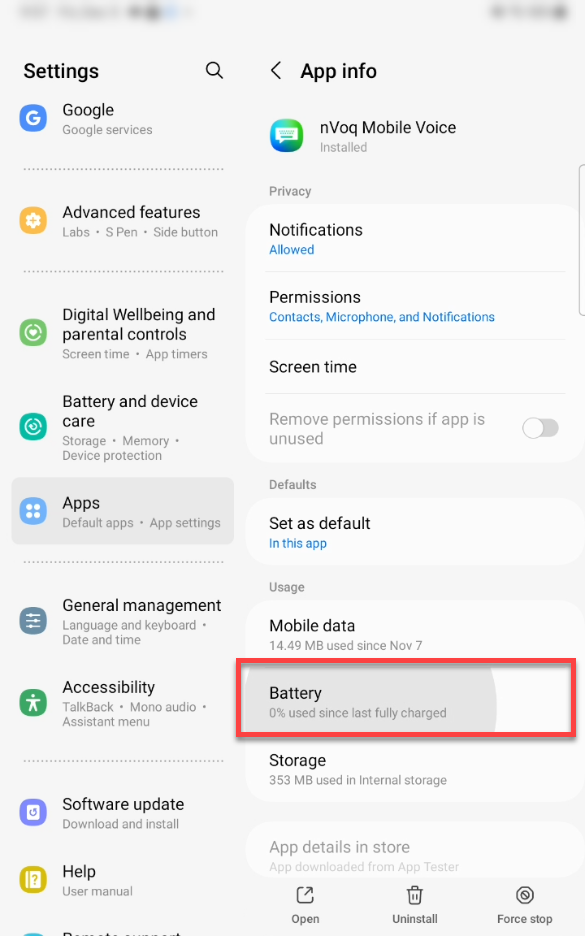
- On the App Info screen, tap Battery.
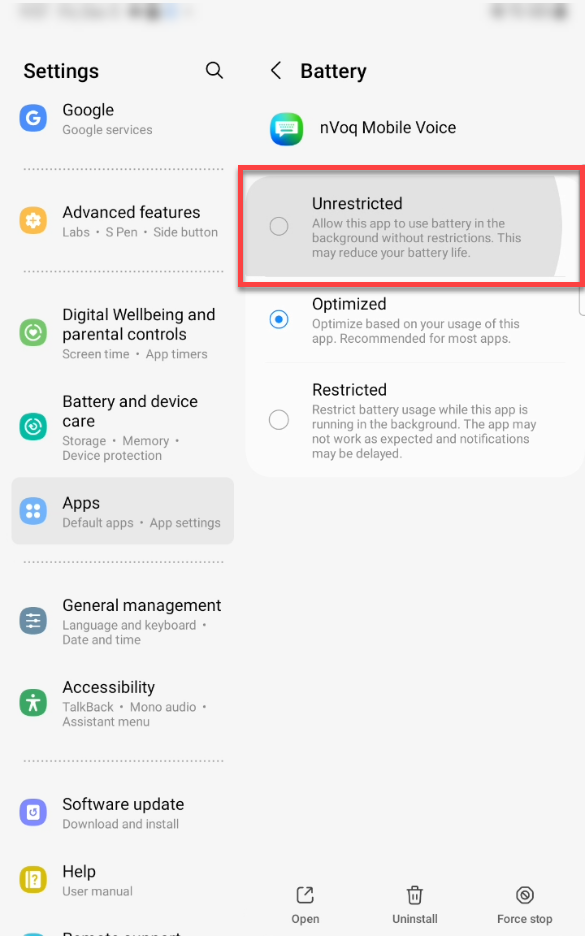
- Tap the radio button next to Unrestricted.
- You're ready to use Voice Assistant!