Issue:
I can't get the keyboard to show the microphone button, so I am not able to dictate, and the keyboard is harder to use.
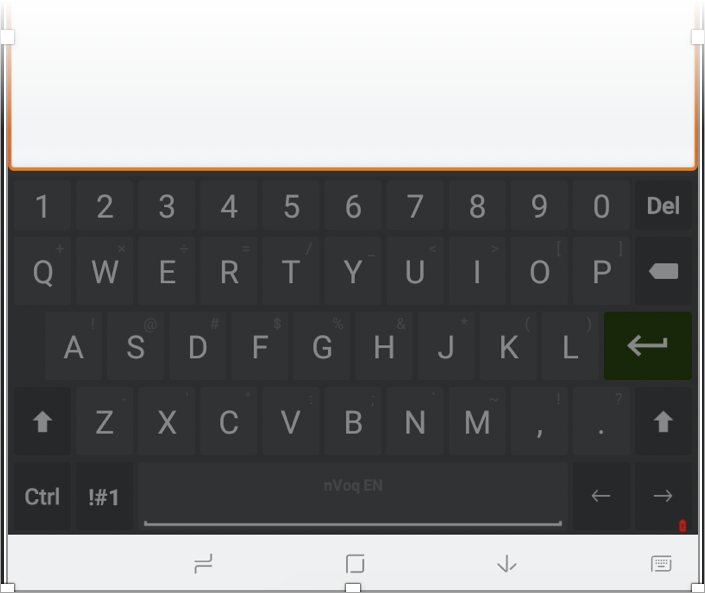
This may occur if the battery on your device is low, or if you're not signed in to Voice.
What to do:
- Charge your device if the battery is low.
- Depending on the type of field into which you place your cursor, the menu button may not be available. The dictation button does not appear when your cursor is in certain fields, including number, phone number, password, or date fields. See Voice for Android nVoq Button Missing.
- If you're not signed in to Voice, tap the Sign In to Voice graphic above the keyboard.
 Then follow the instructions at Voice for Android: Sign In.